Quick Guide to Python Virtual Environments
A short reminder for isolating Python dependencies with virtualenv and virtualenvwrapper.
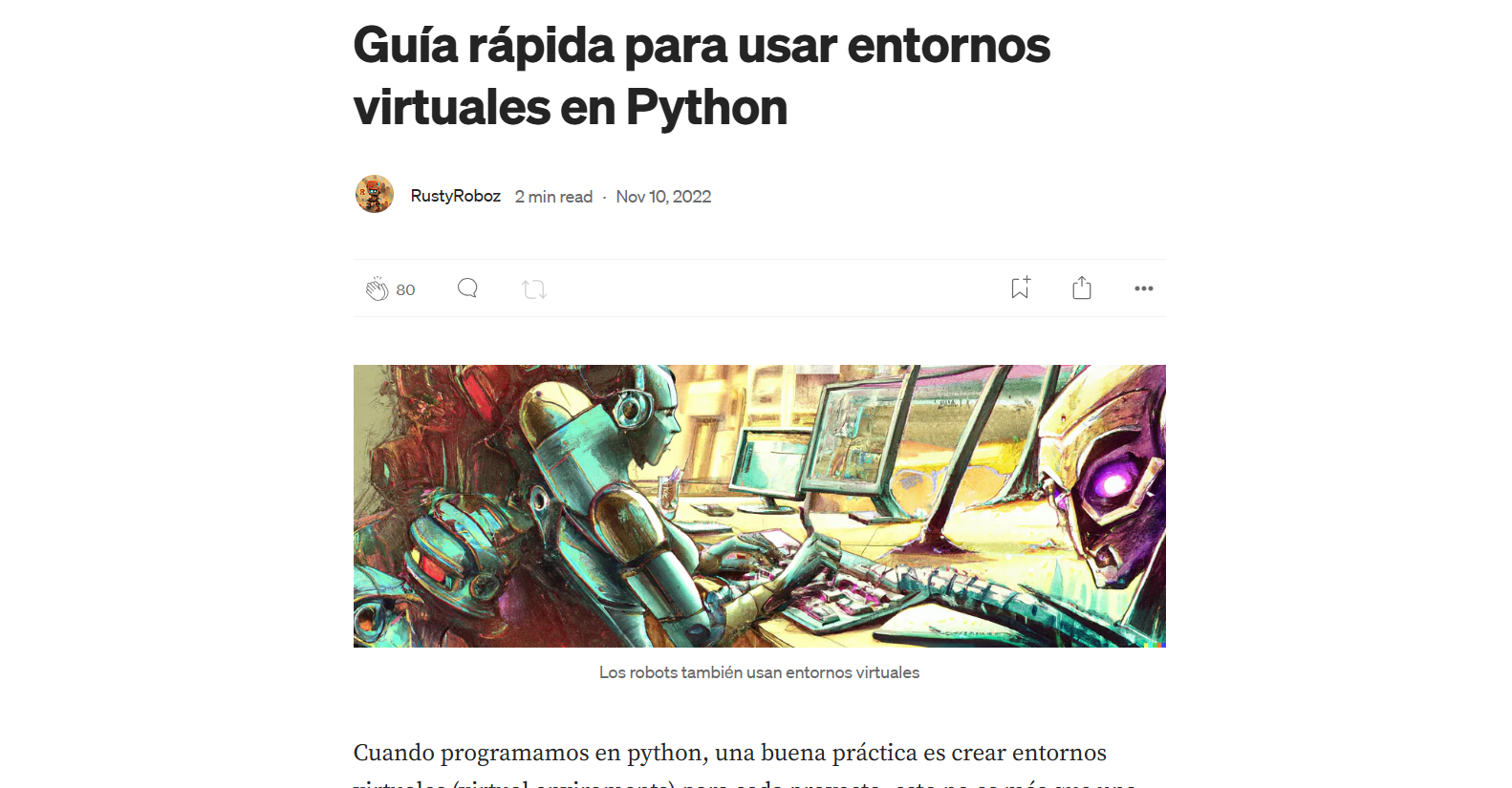
Robots use virtual environments too.
When we write Python, a good practice is to create a virtual environment for each project. It is simply a way to isolate one Python installation, a specific version, and a set of libraries so they do not conflict with anything already installed on your machine.
You can create them with venv or conda, but my preferred setup is still virtualenv plus virtualenvwrapper.
Installation
On Windows
pip install virtualenv virtualenvwrapper
pip install virtualenvwrapper-win
On Linux
pip3 install virtualenv virtualenvwrapper
Basic commands
Create a new virtual environment called f5:
mkvirtualenv f5 -p python3
Activate it or switch to it:
workon f5
Deactivate it:
deactivate f5
List all virtual environments:
lsvirtualenv
Delete one that is not in use:
rmvirtualenv f5
Inside the environment you can install whatever libraries you need with pip, including pinned versions when necessary.